What to Do When You Have a Page Ranking for Wrong Keyword

Checking your search rankings shouldn't feel like a hollow victory. You pull up your analytics and see a surge in traffic for a primary transactional phrase, but you soon realize a top-funnel blog post is capturing those clicks instead of your core product page. That misalignment happens when you have a page ranking for wrong keyword, signaling a search intent mismatch that reduces conversions. It's frustrating to watch an informational definition outrank a sales page, especially since 52.65% of Google searches are strictly informational and those visitors will likely bounce without buying.
When you face this issue, you need a precise diagnostic approach to resolve the cannibalization safely. The fix involves identifying the incorrect page in Google Search Console, safely deoptimizing it by removing overlapping terms, and strengthening your intended target page with accurate internal links and a topic-cluster architecture.
Here are 6 specific diagnostic and resolution steps to safely downgrade the incorrect page's relevance and secure rankings for your intended target.
Step 1: Diagnose the intent mismatch in Google Search Console
Spot overlapping impressions
If you rely solely on manual forecasting using Google Keyword Planner, you likely encounter a foundational flaw. The planner groups similar queries and reports identical total search volumes for each variant. That grouping leads to massive overestimations and flawed manual keyword mapping. Instead, we recommend relying on first-party performance data inside Google Search Console to spot the true overlap. Look for instances where two different URLs register impressions for the exact same query. When a less relevant page outranks a core transactional asset, it splits your site's authority and prevents either page from securing a dominant position.
Automate the detection process
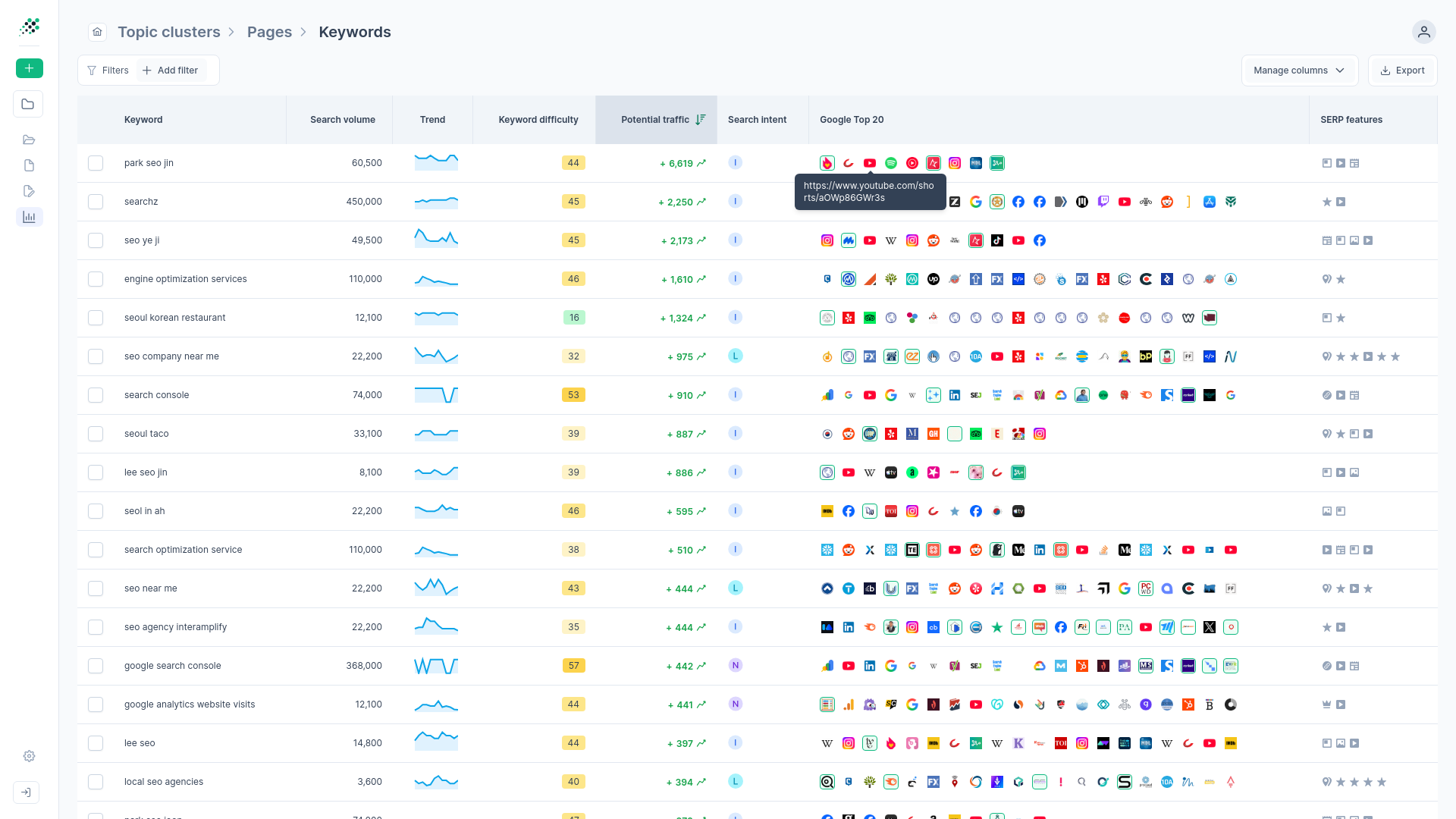
Manually exporting GSC data into spreadsheets to cross-reference URLs against target phrases is inefficient and prone to human error. We've seen this legacy approach waste hours while missing subtle overlaps. Rather than building pivot tables, transition to automated detection. RankDots applies an algorithm that flags instances where pages intended for completely different topics end up competing for overlapping search queries. Its Cannibalization Detection & Page-Keyword Matching feature automatically analyzes GSC data alongside live keyword research.
Every cannibalization issue discovered receives a clear severity rating (such as Problem, Warning, or Flag) along with a specific recommended action to fix it. Automated detection moves your workflow from manually playing whack-a-mole to executing a targeted resolution plan based on actual algorithmic confusion.
Step 2: Analyze the metrics fingerprint of the cannibalizing page
Evaluate the performance data
Once you identify overlapping URLs, assess how users interact with the incorrect page. Open Google Analytics to review behavior signals. You create a severe intent mismatch when you try to rank a sales page for an informational keyword. Informational pages naturally experience high bounce rates between 70% and 90%. High abandonment is normal since users consume the answer and leave.
In contrast, transactional pages typically require bounce rates of 40% or less. When an informational query lands on a transactional page, or vice versa, the resulting bounce rate disparity signals poor relevance to search engines. Over time, this intent mismatch damages your overall domain authority.
Assess overlap severity
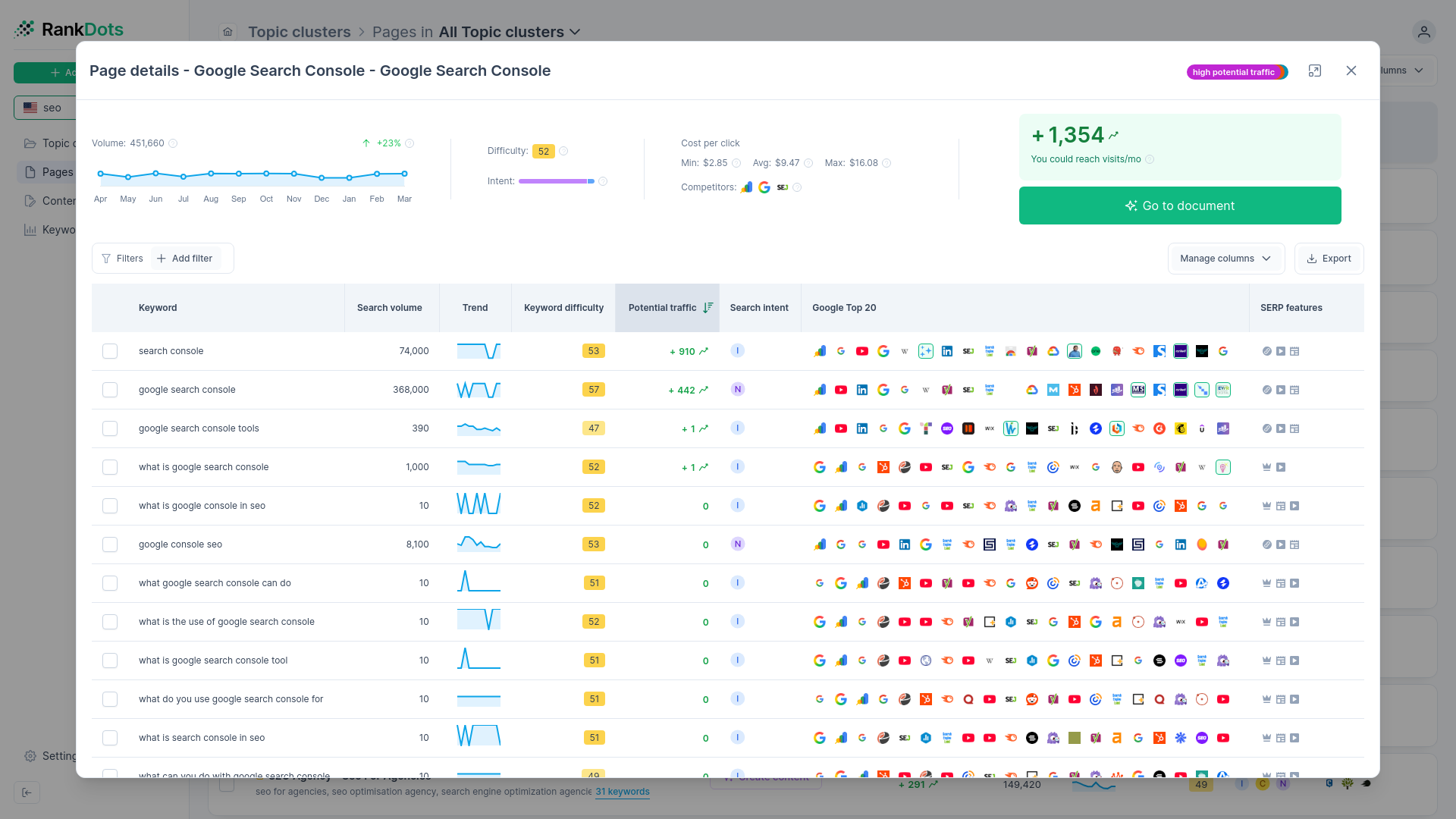
To measure how badly pages are cannibalizing each other, examine their metrics fingerprints. Look for identical monthly search volumes, historical 12-month trend patterns, and paid competition levels across competing keywords. When multiple keywords share the exact same fingerprint—identical search volumes, historical trends, and paid competition—search engines likely group them under a single intent umbrella.
A platform like RankDots automatically cross-references these fingerprints to find pages splitting authority through identical impressions. A high-severity overlap means the cannibalizing page captures more than half of the target query's clicks. A low-severity overlap means the incorrect page only ranks occasionally on page two or three. This severity score dictates how aggressively to modify the competing assets.
Step 3: Strengthen the target page for the correct search intent
Correct internal link signals
When attempting a manual fix, you might start pointing new internal links to the correct product page, only to see zero movement in the search results. In many cases, the root cause is misdirected internal anchor text across the domain. Misdirected anchor text is the most frequent reason search engines become confused and rank an unintended page. If your blog posts repeatedly link to a glossary definition using transactional anchor text like "buy CRM software," the algorithm assumes the glossary is the primary sales page.
Audit your internal links using standard tools like Ahrefs or Moz to locate and update these conflicting anchors. Ensure the anchor text pointing to your target page accurately reflects its transactional purpose.
Optimize for the target intent
Beyond fixing anchor text, signal topical authority. Place 3-5 internal links from topically relevant, high-authority pages to signal to search algorithms which article is most important. We generally recommend updating the target page's on-page elements to clearly match the user's intent.
If the target is a product page, the headers, meta description, and primary content should focus on features, pricing, and purchase actions rather than top-funnel definitions. Matching the user's intent shows crawlers exactly why the target page is the superior destination for a transactional query.
Step 4: Safely deoptimize the incorrect ranking page
Execute surgical content differentiation
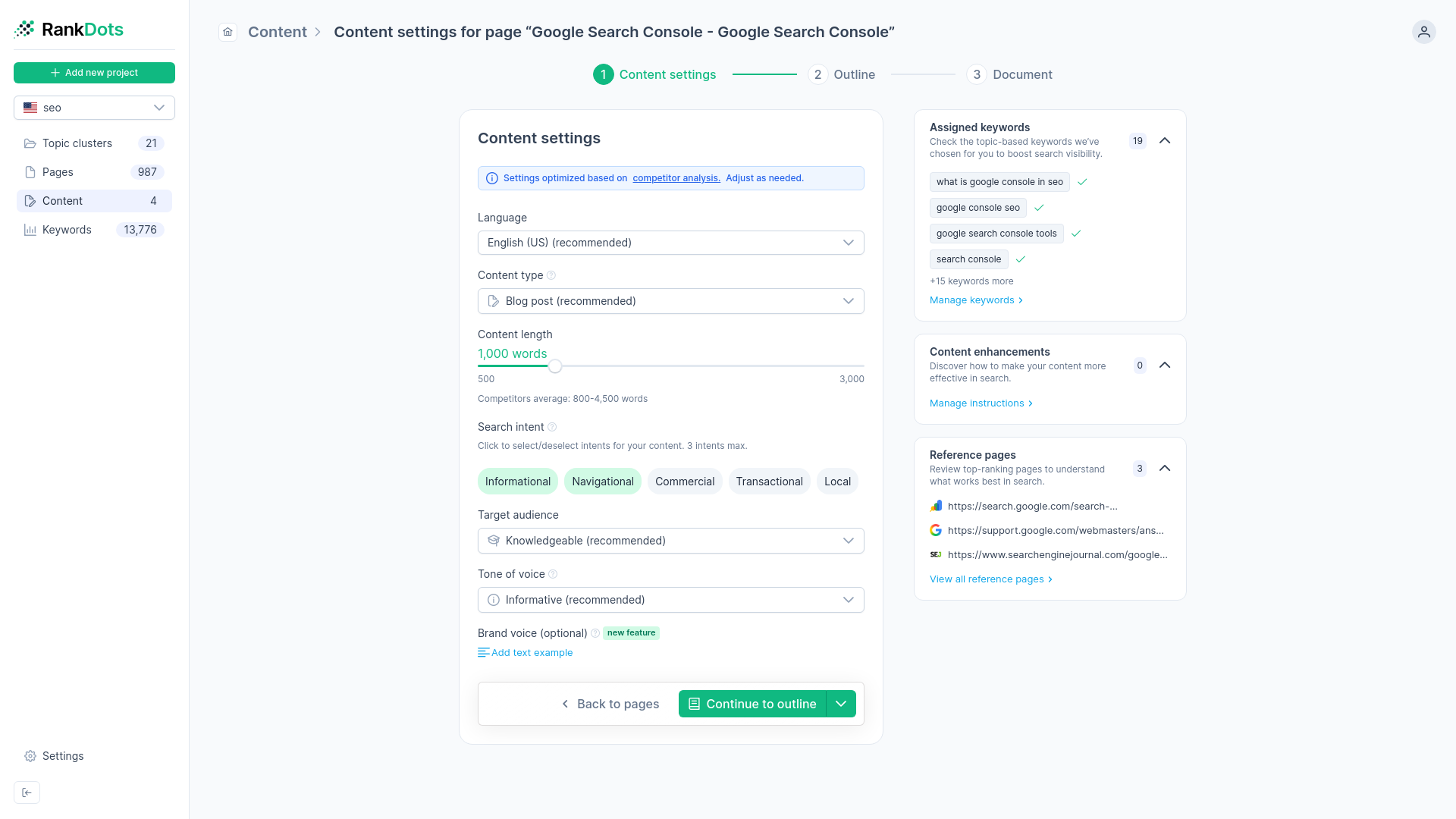
When an informational post outranks a sales page, deleting the post entirely removes its accumulated link equity. Instead, intentionally downgrade the ranking signal of the non-relevant page to allow the correct page to rank. You need to separate the content themes intentionally. When you receive a flagged severity warning, execute a workflow that alters the incorrect page so it targets a distinctly different search intent. If the cannibalizing page is an informational guide, strip out transactional language, pricing tables, and aggressive bottom-of-funnel calls to action.
Adjust meta tags and phrasing
Open the incorrect page in your content management system and systematically remove overlapping keyword phrases. Rewrite the title tag and H1 so they strictly address the informational "what is" or "how to" intent, leaving no ambiguity. Google rewrites more than 61% of title tags, often when the page content fails to support the headline's promise. Perfect alignment with a purely informational intent reduces the chances of algorithmic rewriting and prevents the page from competing in the transactional space.
Follow a risk mitigation checklist
Because downgrading ranking signals carries inherent risk, follow a strict process.
- Verify the incorrect page doesn't drive secondary conversions or assist in the buyer journey.
- Ensure you've already strengthened the target page before touching the incorrect page.
- Monitor the query in search console daily after making adjustments. A systematic reduction in the incorrect page's transactional relevance clears the path for the intended asset to rise without reducing your site's overall organic footprint.
Step 5: Consolidate ranking signals with redirects and canonicals
Choose the right consolidation method
If deoptimization leaves you with two thin pages targeting similar intents, merging them is often the best path forward. The choice usually comes down to content consolidation, 301 redirects, or canonical tags. Canonical tags consolidate ranking signals, but search engines treat them as suggestions rather than strict directives. Since a canonical tag doesn't guarantee a specific percentage of equity transfer, 301 redirects are the better choice for permanently moving content. A 301 redirect successfully transfers between 90% and 99% of a page's link equity to the new destination.
Execute the page merger
To merge thin competing pages into a strong unified asset, first export the content from the weaker page. Integrate its most valuable paragraphs into the stronger target page to improve topical depth. Then, use a plugin like Yoast SEO to implement a permanent 301 redirect from the old URL to the newly expanded asset. The redirect preserves the existing SEO value of both pages while explicitly directing search engines to a single, authoritative target. This consolidation permanently resolves the cannibalization issue.
How to resolve a page ranking for wrong keyword
-
Export overlapping GSC queries
Open Google Search Console and go to the Performance report. Filter by your target query and compare the URLs receiving impressions. The outcome is a verified list of conflicting pages competing for the same term.
-
Check engagement in Analytics
Log into Google Analytics and view the behavior metrics for both URLs. Compare the bounce rates against the 40% transactional benchmark. You'll clearly see which page suffers from a search intent mismatch.
-
Update internal anchor text
Scan your site using a crawler to find existing links pointing to the incorrect page. Change transactional anchor text so it points directly to your intended sales page. This shifts the primary ranking signal to the correct asset.
-
Strip transactional terms from the page
Edit the incorrect ranking page in your CMS by removing pricing tables and purchase language. Rewrite the title tag to focus purely on informational definitions. The page will then serve a distinct, non-competing intent.
-
Implement a permanent redirect
If the conflicting page is too thin to keep after removing those terms, move its remaining valuable paragraphs to your target page. Use a tool like Yoast SEO to apply a permanent 301 redirect to transfer the original link equity.
-
Assign keywords to clusters
Group your remaining search terms into rigid intent boundaries using a cluster map. Assign transactional terms strictly to product categories and informational queries to your blog. This setup prevents new content from triggering future cannibalization issues.
Step 6: Implement a topic-cluster architecture to prevent future mismatches
Transition from flat lists to clusters
Individual fixes treat the symptoms, but preventing intent mismatches requires structural change. Flat keyword lists naturally lead to cannibalization because they focus on search volume rather than topical boundaries. To prevent future issues, transition to a pillar-and-cluster site architecture. A topic cluster architecture increases average organic traffic by 43% compared to scattered content. Improved topical authority and internal linking can increase traffic by up to 134% over a six-month period.
Map intents within topic boundaries
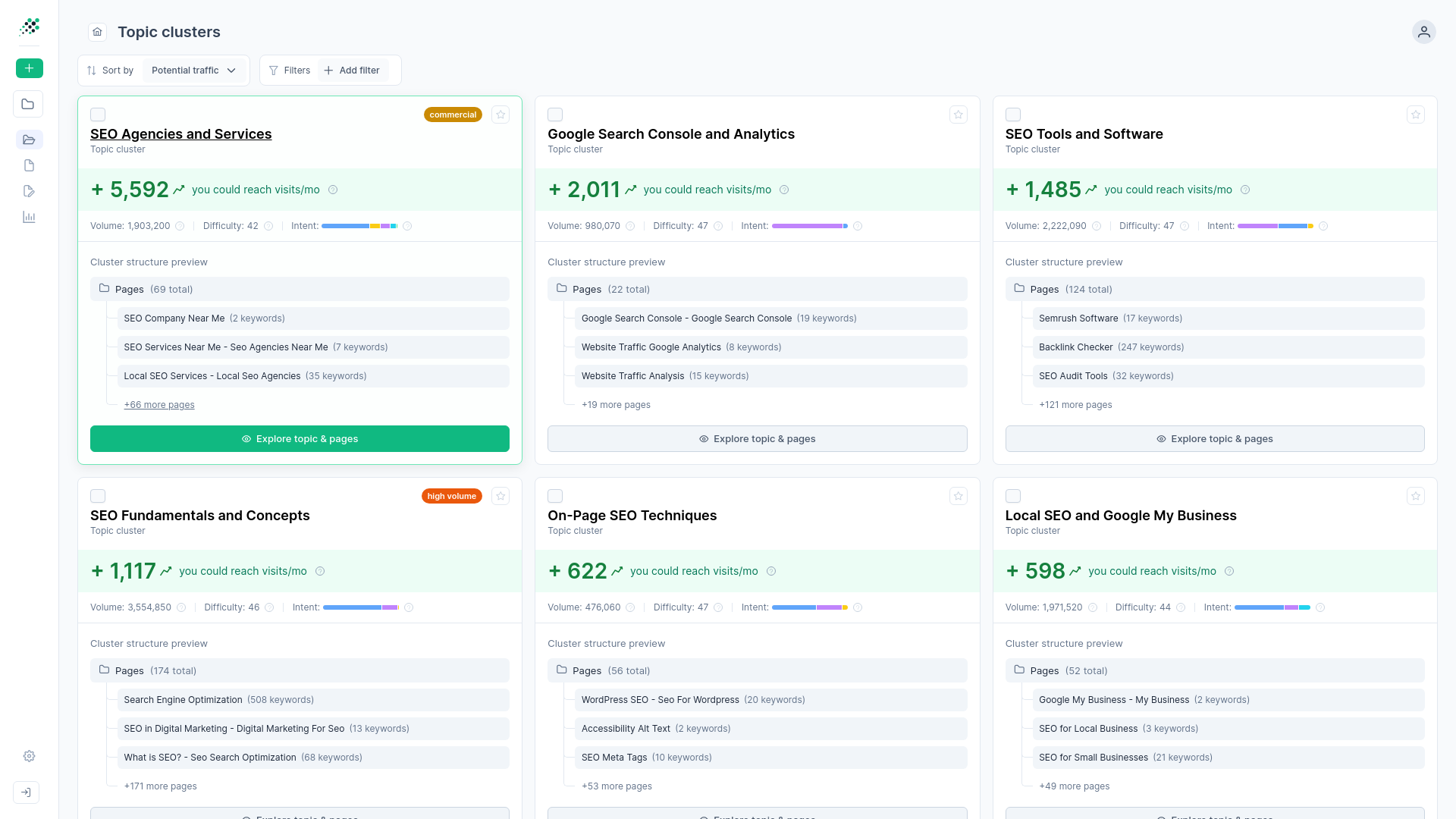
Don't start with a flat list of keywords and assign them arbitrarily. Derive your optimal page structure directly from the clusters instead. RankDots manages this through its Topic-Cluster First Architecture. Each topic cluster maps to a recommended page, and keywords within that cluster are assigned strictly based on shared search intent.
If a keyword implies a transactional intent, it belongs in a product cluster. If it implies informational intent, it belongs in a blog cluster. Rigid intent boundaries eliminate the root cause of keyword cannibalization before you even publish the content.
Next steps for automating cannibalization detection
A proactive, structural intent mapping strategy protects your site's revenue better than manual, reactive keyword fixes. When you stop relying on flawed search volume estimates and start cross-referencing actual performance metrics, diagnosing an intent mismatch becomes a clear, repeatable process.
We recommend maintaining continuous monitoring of impression overlap across your domain. Check your performance data regularly to ensure newly published informational content doesn't drift into transactional territory. Automated detection workflows and a rigid topic-cluster architecture ensure every page ranks for the exact intent it was built to target.
Frequently asked questions
What should I do when the wrong page ranks for a keyword?
Why does Google choose to rank the incorrect page for my target keyword?
How do I determine if my pages are cannibalizing each other?
How can I safely deoptimize a page without hurting my overall site rankings?
How do internal links impact which page Google decides to rank?
Map your keywords to the right search intent automatically
Switch from manual spreadsheet mapping to automated intent clustering. Connect your Search Console data to identify where informational pages cannibalize traffic from your core products. Protect your conversions and structure your site for maximum relevance.